Scan
Check text, faces, codes, and metadata
The scan can flag API keys, passwords, contact details, account IDs, faces, QR codes, GPS, and EXIF metadata.
Cloakshot checks screenshots for sensitive text, faces, codes, GPS, and photo metadata. You decide what to hide before making a redacted copy.
Please check the failed request below.
rk_live_7Hz9P4Qm2Ls8Please check the failed request below.
Cloakshot can flag faces, codes, GPS, and other photo metadata too. You can turn every suggested mask on or off before export.
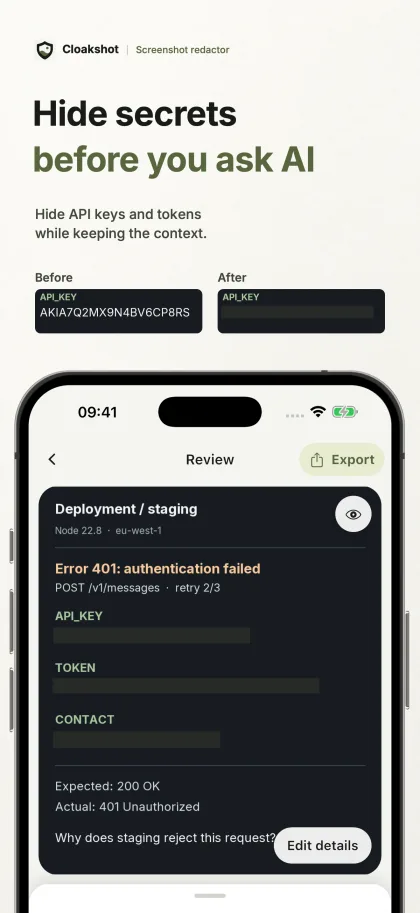
Hide API keys and tokens while keeping the context.
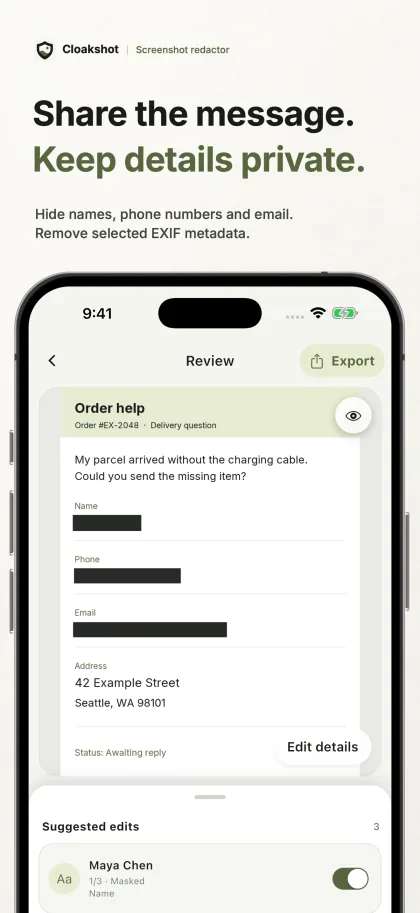
Hide names, phone numbers, and email. Remove selected EXIF metadata.
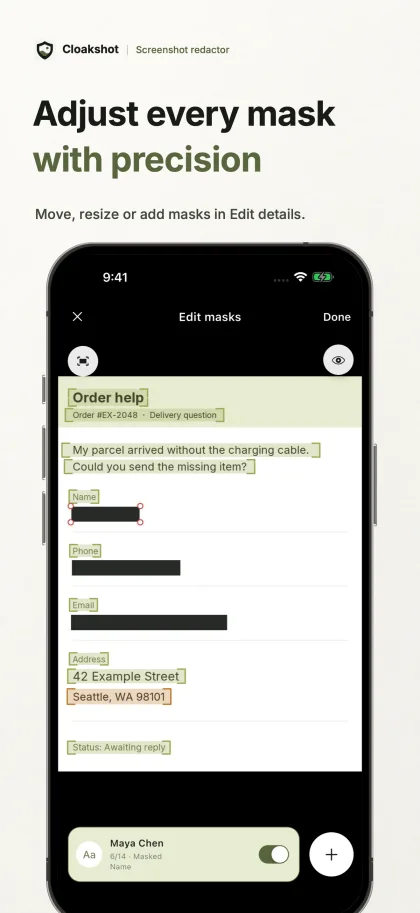
Move, resize, or add masks in Edit details.
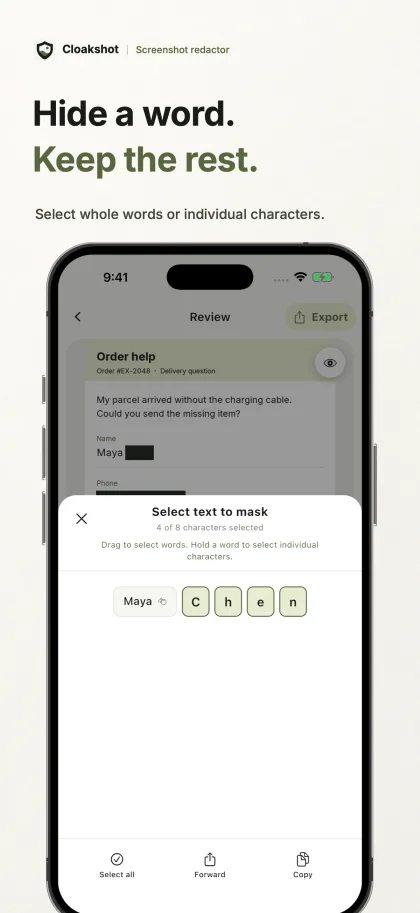
Select whole words or individual characters.
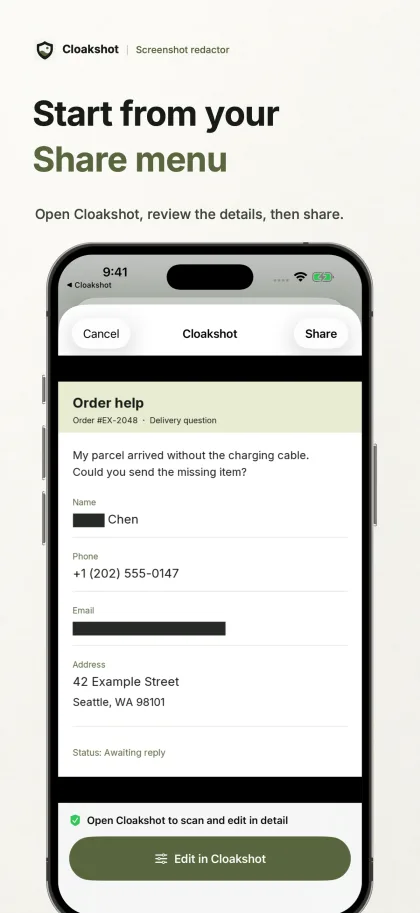
Open Cloakshot, review the details, then share.
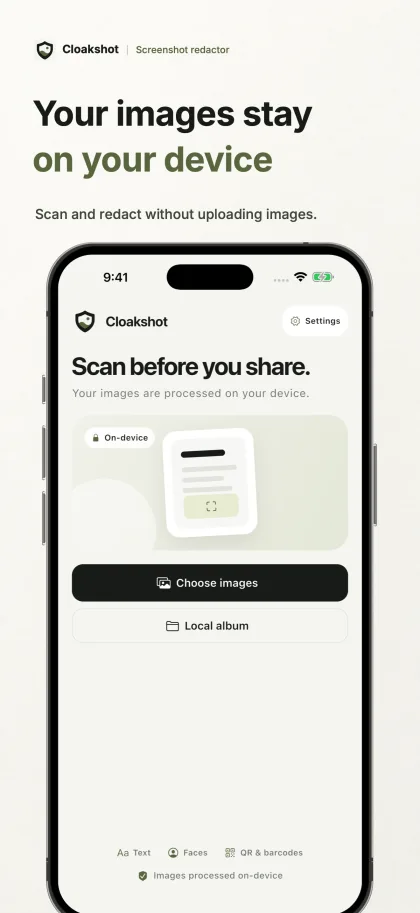
Scan and redact without uploading images.
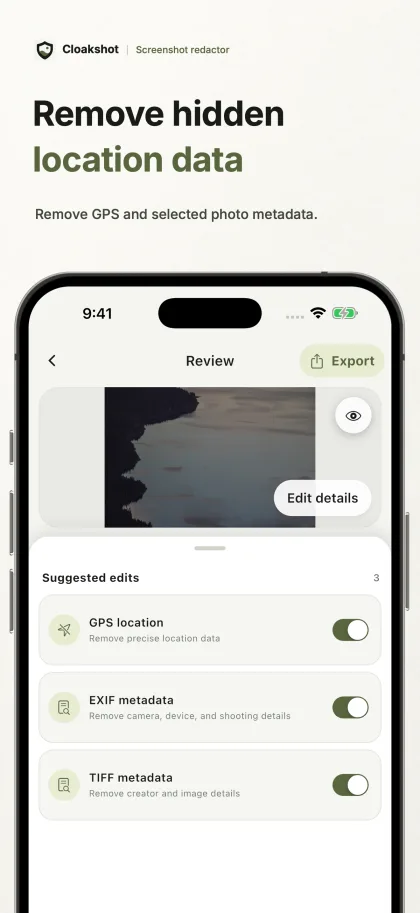
Remove GPS and selected photo metadata.
Cloakshot writes the changes into the image pixels, removes the metadata you selected, and scans the result again. Your original stays unchanged.
The scan can flag API keys, passwords, contact details, account IDs, faces, QR codes, GPS, and EXIF metadata.
Keep or remove each suggestion. You can select part of a word, drag or resize a mask, draw one yourself, and choose blur or fill.
When you export, Cloakshot writes each mask into a new PNG. There is no overlay to peel away, and the original image stays unchanged.
Before the Share Sheet opens, Cloakshot checks the redacted image for possible remaining critical findings.
The review tools do not require Pro. You only need an internet connection to start the iOS trial, buy Pro, or restore a purchase.
Scan images, inspect every suggestion, edit masks, and preview selected metadata before buying anything.
Cloakshot Pro Lifetime is a one-time purchase. iOS also has a device-verified 14-day trial; Android does not.
Where processing happens, what detection can miss, and how Pro works.
No. Cloakshot scans, edits, and renders images on your device. It only goes online for the optional iOS trial and store purchases.
Yes. It can miss something or mark the wrong area. Review the whole image and add a manual mask when needed.
No. Cloakshot Pro Lifetime is a one-time purchase. You can still scan and review images without Pro.
No. The current Android app does not offer the trial. Android users can scan and review for free, then buy the same Lifetime export unlock.
Cloakshot is available for iPhone and Android.